Trade Binary Options on ExpertOption — Step-by-Step Trading Guide

You’ll get step-by-step instructions for placing an option, using chart tools and indicators, interpreting execution confirmations and expiry outcomes, plus practical risk-management checks to limit exposure. The guide also explains demo account use, common execution errors and quick fixes, and the basic platform settings that affect trade execution and payouts so you know what to verify before committing real funds.

Features on ExpertOption
We provide fastest trading using modern technologies. No delays in order executions and most accurate quotes. Our trading platform is available around the clock and on weekends. ExpertOption customer service is available 24/7. We are continuously adding new financial instruments.
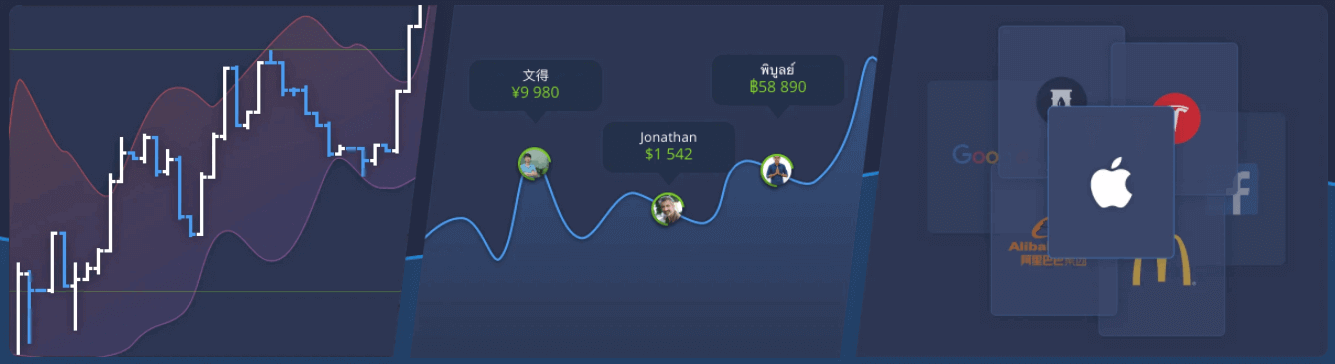
- Technical analysis tools: 4 chart types, 8 indicators, trend lines
- Social trading: watch deals across the globe or trade with your friends
- Over 100 assets, including popular stocks like Apple, Facebook, and McDonald’s
How to Open a Trade on ExpertOption
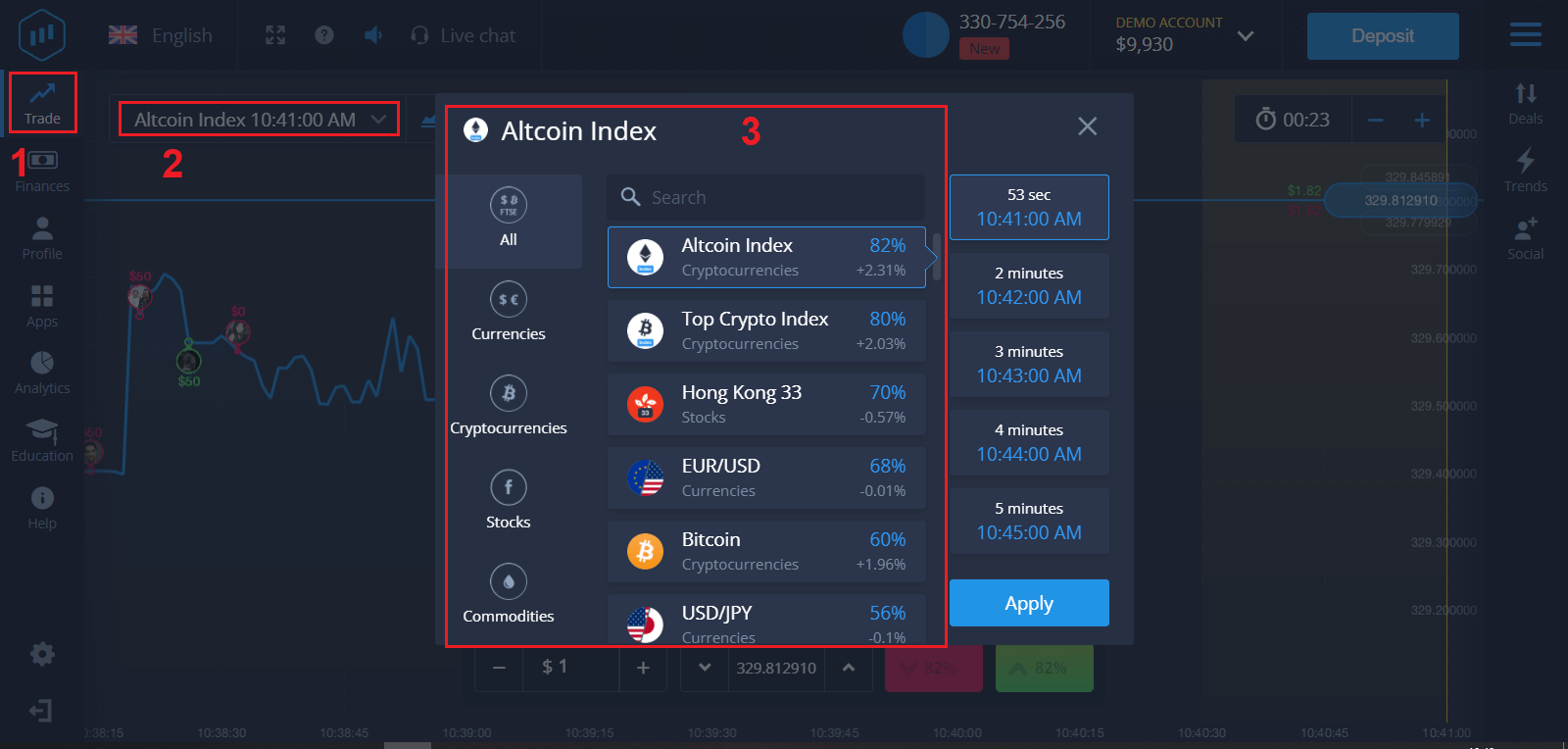
1. Choose an asset for trading
- You can scroll through the list of assets. The assets that are available to you are colored white. Click on the asset to trade on it.
- The percentage determines its profitability. The higher the percentage, the higher your profit in case of success.
All trades close with the profitability that was indicated when they were opened.
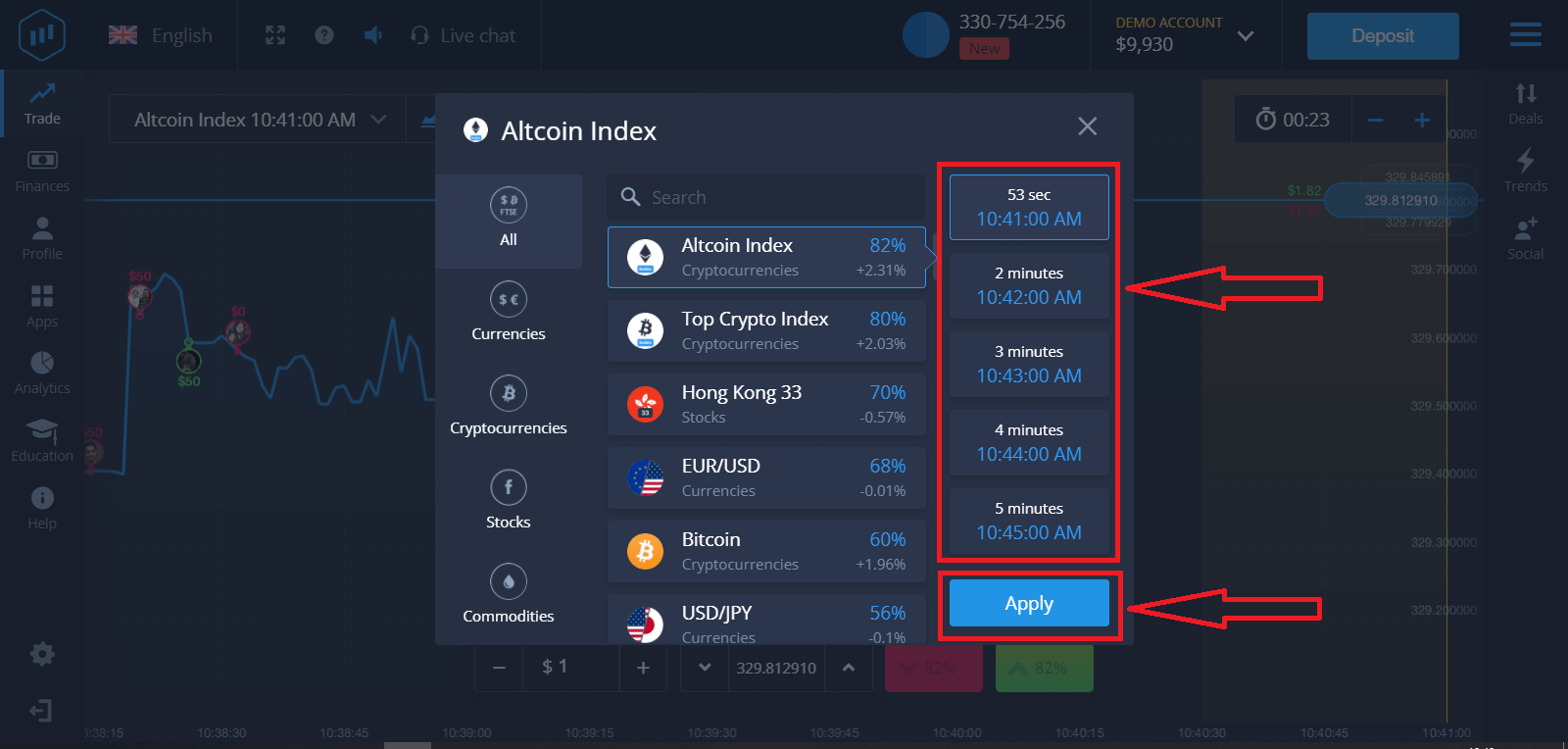
2. Choose an Expiration Time and click the Apply button
The expiration period is the time after which the trade will be considered completed (closed) and the result is automatically summed up.
When concluding a trade with ExpertOption, you independently determine the time of execution of the transaction.
3. Set the amount you’re going to invest
The minimum amount for a trade is $1, the maximum – $1,000, or an equivalent in your account currency. We recommend you start with small trades to test the market and get comfortable.
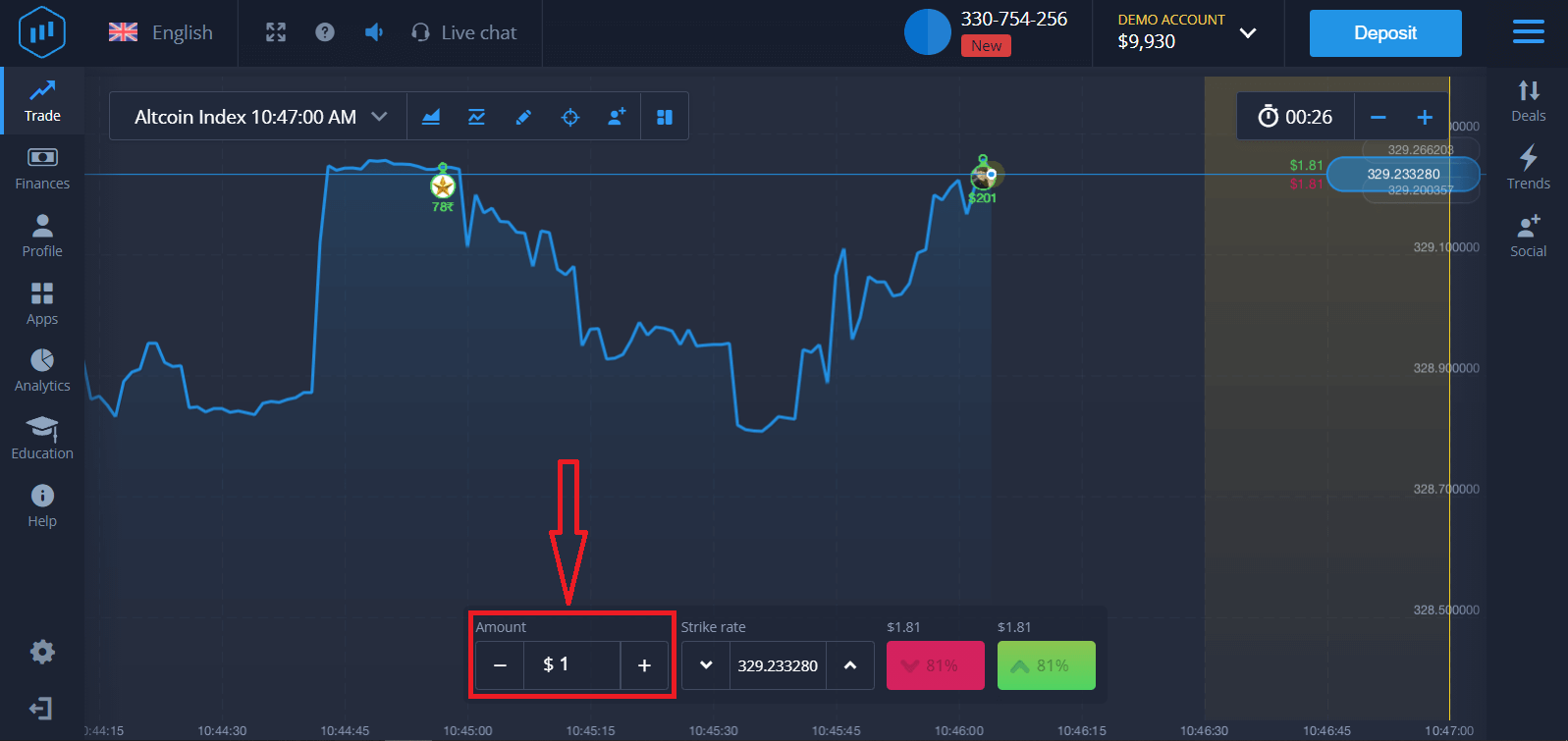
4. Analyze the price movement on the chart and make your forecast
Choose Higher (Green) or Lower (Pink) options depending on your forecast. If you expect the price to go up, press "Higher," and if you think the price is going down, press "Lower."
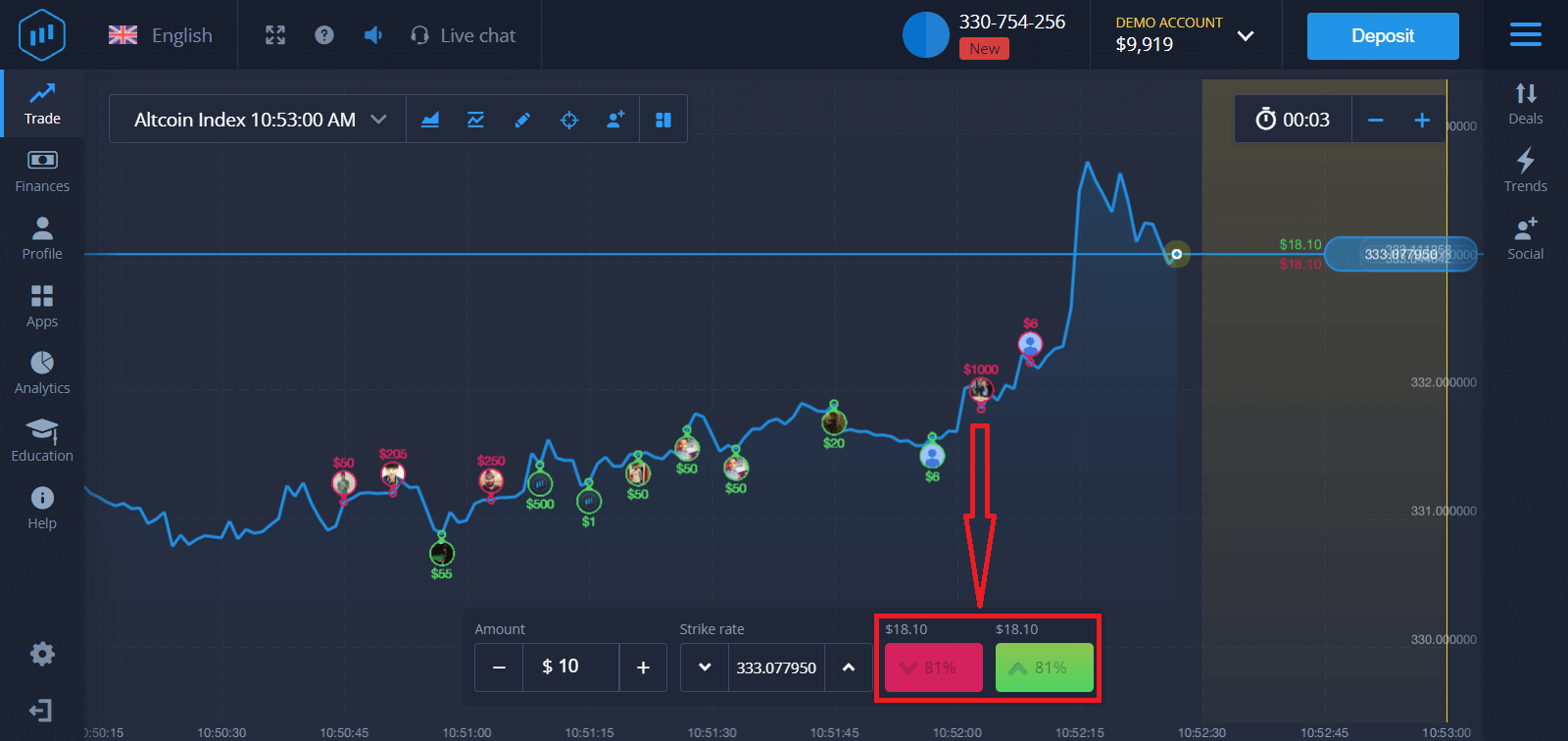
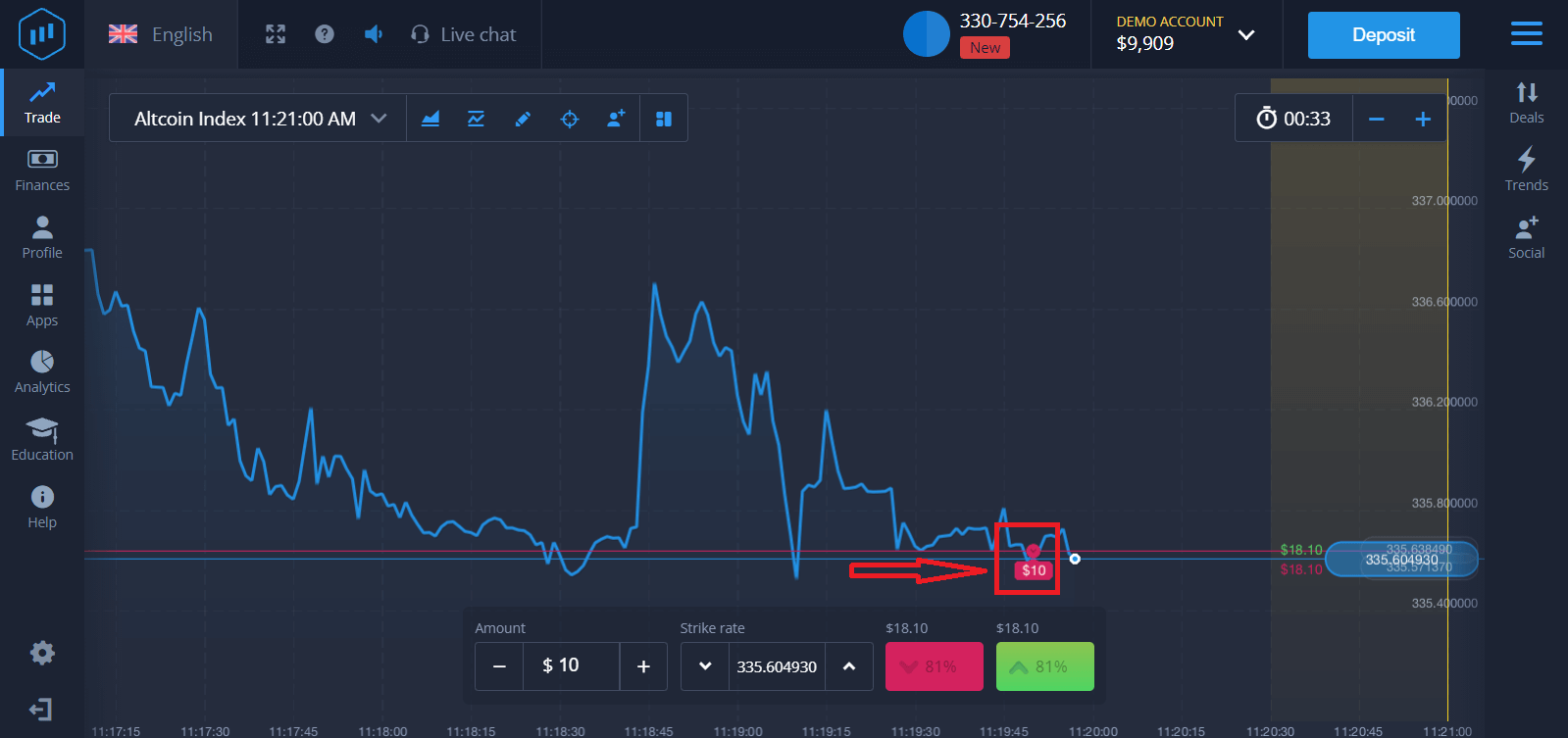
5. Wait for the trade to close to find out whether your forecast was correct. If it were, the amount of your investment plus the profit from the asset would be added to your balance. If your forecast was incorrect, the investment would not be returned.
You can monitor the Progress of your Order on the chart.t
Or in the Deals
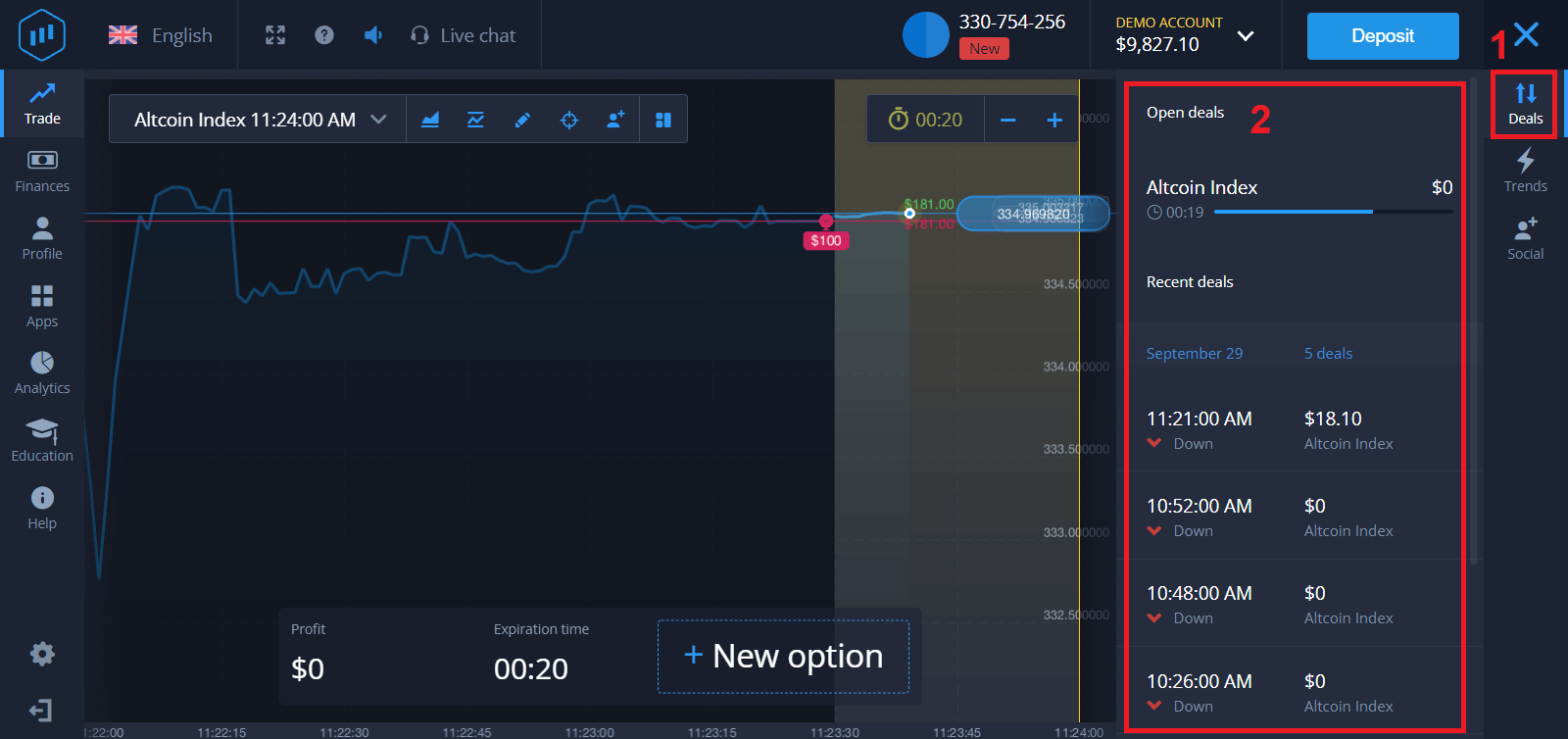
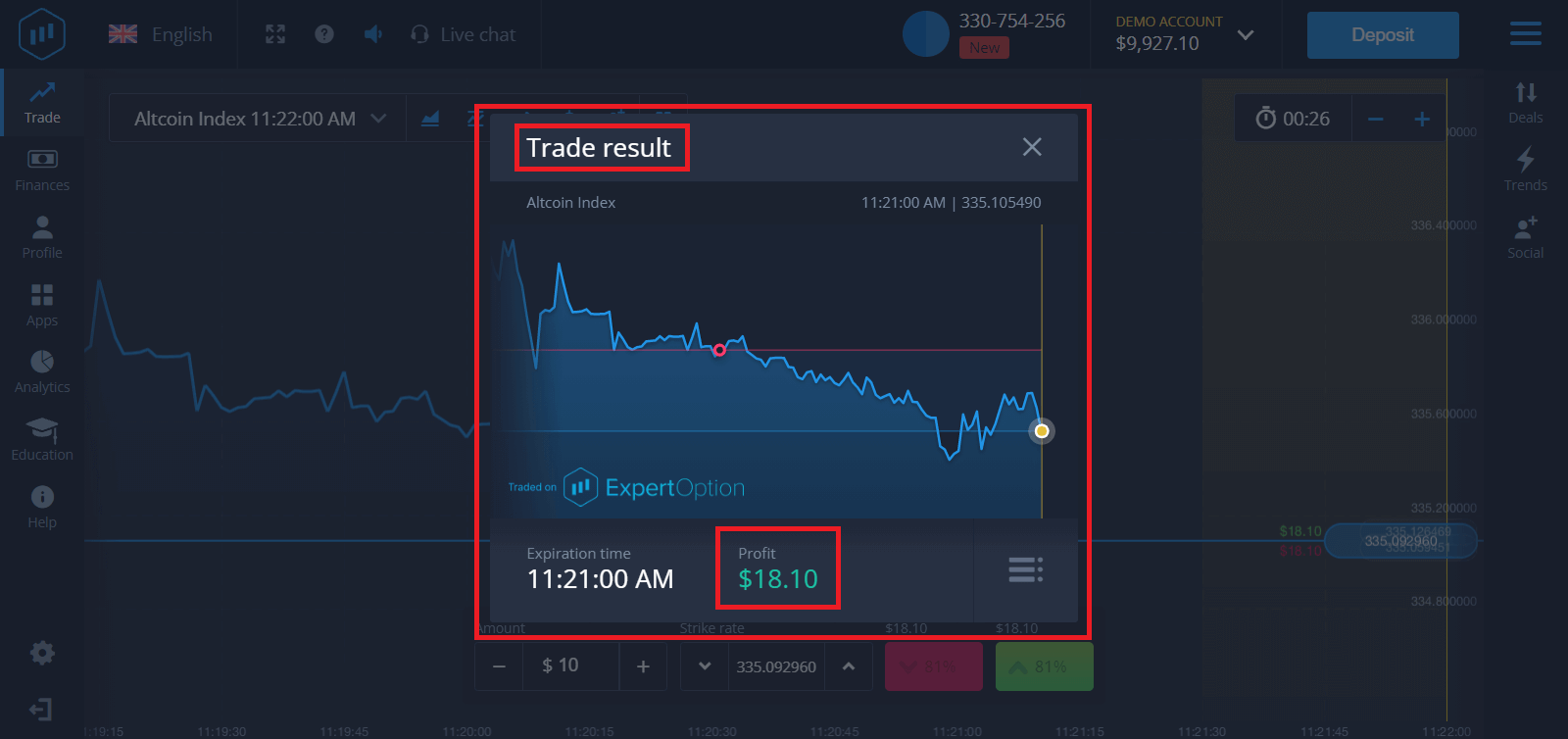
You will receive the notification about the result of your trade when it is finished.
Frequently Asked Questions (FAQ)
Is my profit calculated?
Your profit from a trade can be up to 95% of the investment amount. Profit depends on the current situation of the market.What is the minimum amount that I can invest?
The minimum amount to invest in a single trade is $1.Are there any commissions upon making transactions with my trading account?
Our company does not take any commissions on your transactions. But such commissions can be taken by the payment systems or payment aggregator.
Conclusion: Embark on Your Binary Options Trading Journey with ExpertOption
Trading binary options on ExpertOption is designed to be intuitive and accessible, providing a platform where traders can make informed decisions based on market analysis. By following the steps outlined above, you can start trading with confidence, leveraging the platform’s tools and resources to enhance your trading experience. Remember, while binary options trading offers opportunities for profit, it’s essential to trade responsibly and continually educate yourself to navigate the financial markets effectively.